

This section is for those interested in making their own potential models or making their own content with models.
Where to start?
The best place to start would be to download software. You will need ideally, the latest version of blender and Daz Studio.
I have created links above to basic usage and potential add ons needed. It will not be an exhaustive list but will be enough to get you started.
Overview of how I use models
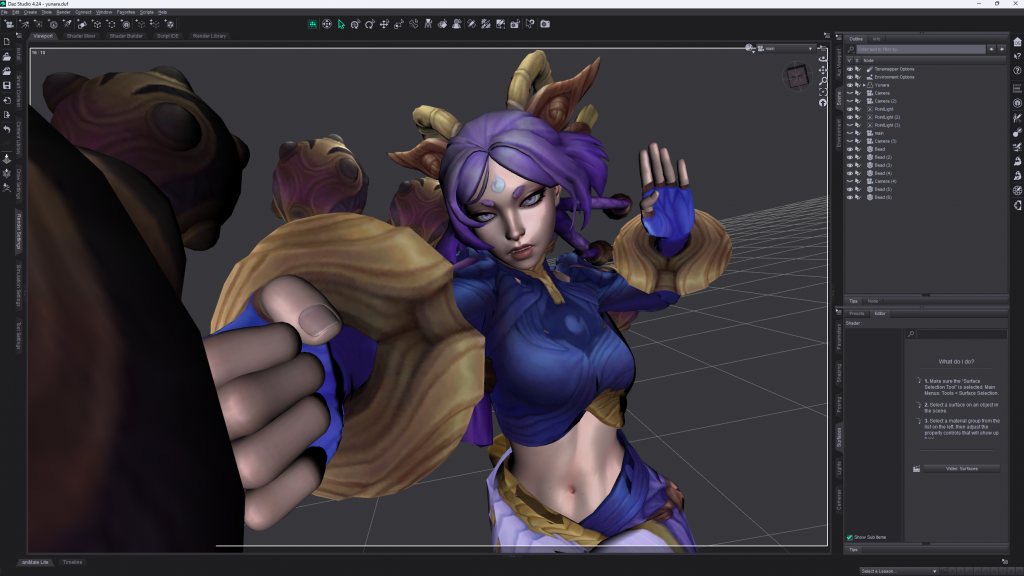
I use Daz Studio for the final pose set up and render result. I personally am partial to using their render engine as I have found it easier to set up a pose and render here than having to spend time transfer things back and forth constantly to Blender. Also the results with Daz are good if done correct.
This Yunara model is by a great model converter and serves as a great example on how to do it properly. By -“DoforDaz”.
The importance of camera angles
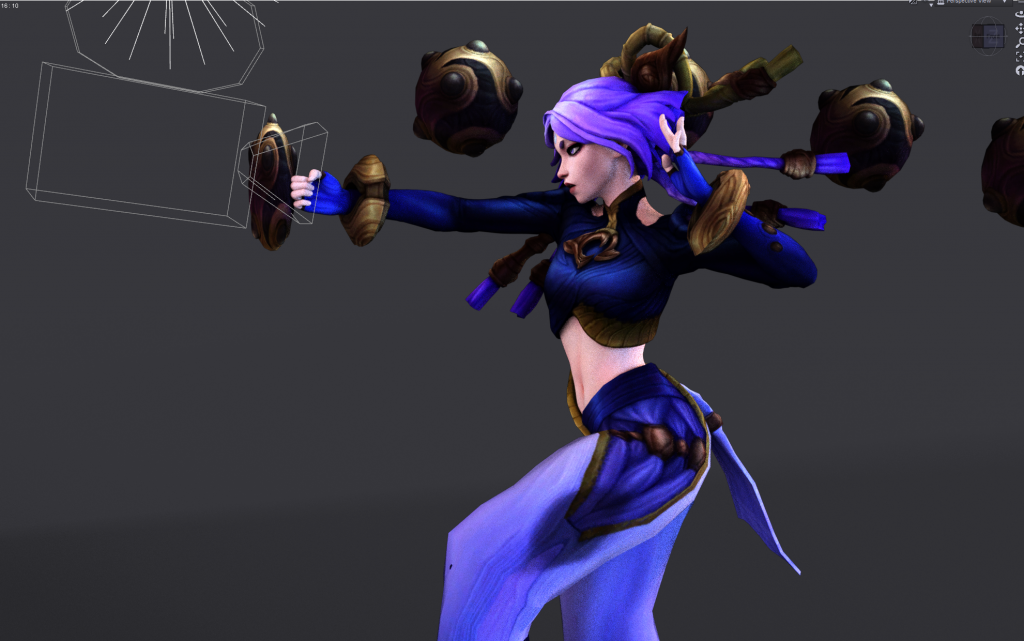
Not only is the angling and height of the camera important, but the perspective lens as well.
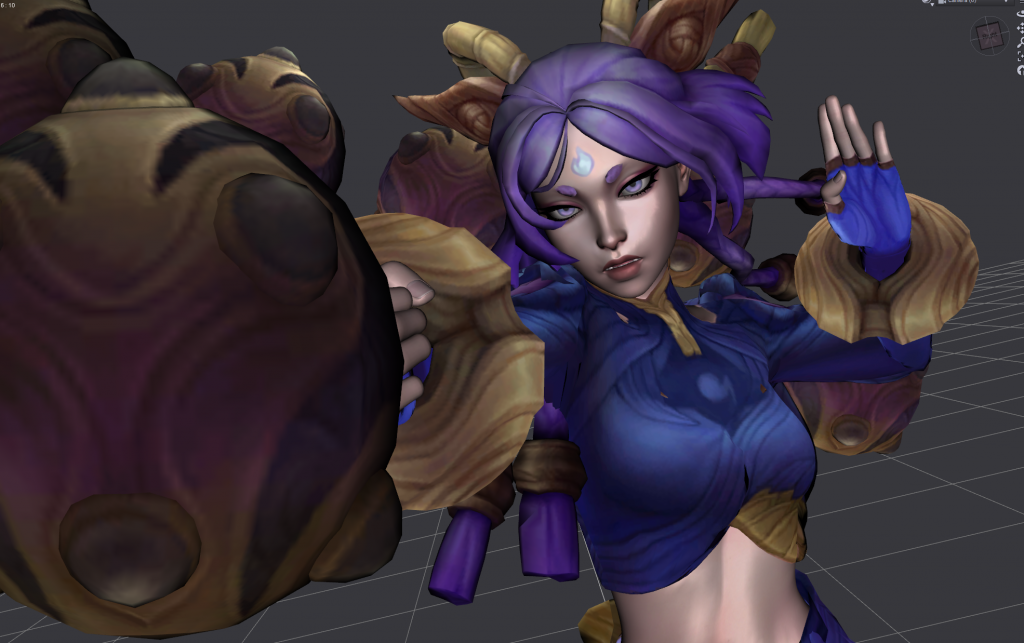
Lens comparison of the above image and the first image will show how a lens setting change can easily change depth perception.
The final render I chose to have a more dynamic approach where the fist and bead would be closest and everything behind her would appear further away from the camera giving a more dynamic depth.
